How to Reduce the Effects of Excessive Screen Time on Your Eyes
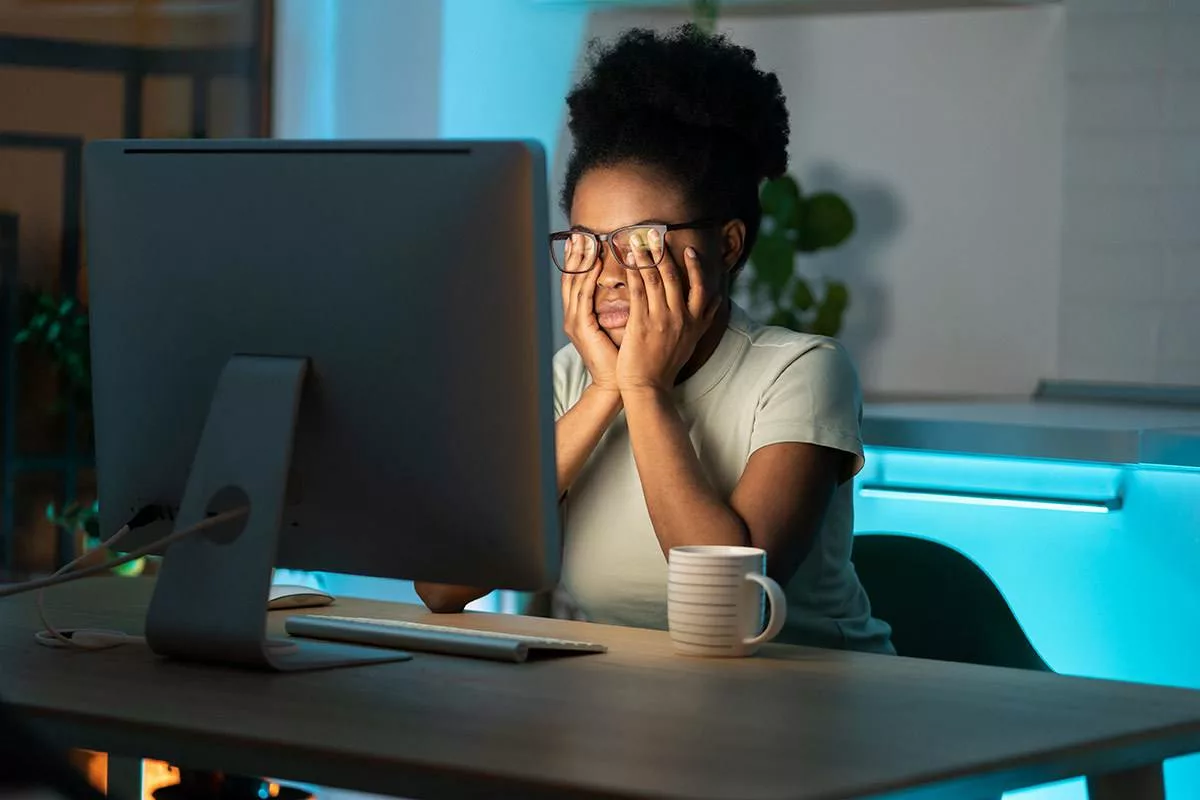
Screens are a massive part of our daily lives nowadays – whether we’re working from home, taking online classes, operating a business, gaming, or chatting with friends on social media. Cutting out screen time entirely might not be realistic for most folks.
It’s true that looking at screens for extended periods can give you digital eye strain, make your eyes dry and tired, and even blur your vision. But there are things you can do to ease these symptoms and safeguard your eyes in the long run.
If you’re spending countless hours in front of a computer or phone each day, here are some simple suggestions from the experts to keep your peepers feeling good.
Why Managing Screen Time Matters
Managing how much time you spend in front of screens really does matter. Looking at screens, too much can cause things like digital eye strain – also known as Computer Vision Syndrome –
- dry eyes,
- fatigue,
- blurry vision and
- headaches.
It can even result in neck and shoulder pain and sleep troubles. In kids, it can even make nearsightedness worse.
By being mindful and implementing little changes today, we can avoid these issues growing into more serious, long-term problems down the line.
1. Follow the 20-20-20 Rule
The 20-20-20 rule is one of the most shared eye care tips out there.
Every 20 minutes:
- Look away from your screen
- Focus on an object 20 feet away
- For at least 20 seconds
This routine comes with some pretty cool perks too – like
- reducing strain,
- boosting visual comfort, and
- cutting down on focusing fatigue.
- It even helps prevent those pesky headaches that pop up after hours spent staring at a screen.
2. Blink More Frequently
Did you know most people blink way less when they're staring at screens? Typically, people blink between 15 and 20 times a minute, yet looking at a screen can seriously slow that down.
Less blinking means :
- more dry,
- irritated, and
- possibly red eyes.
To avoid that, you can try making a point to blink more fully and regularly whenever you’re using a device.
The trick to remember:
- blink,
- take a tiny pause, and then
- carry on with your work.
3. Blink More Frequently
Lastly, setting up your screen right makes a huge difference in preventing eye and neck strain. Ideally, place your monitor around 20 to 28 inches from your face.
Ideal Setup
- Screen should be about 20–28 inches away from your eyes
- Top of the monitor should be slightly below eye level
- Avoid looking upward for prolonged periods
4. Optimize Screen Brightness and Contrast
Screen brightness really affects your peepers. Whether it’s too harsh or not enough, your eyes have to struggle.
Best Practices
- Match screen brightness with room lighting
- Increase text size if necessary
- Adjust contrast for comfortable reading
- Avoid excessive glare
5. Optimize Screen Brightness and Contrast
Good lighting's a game changer for your eyes. Too intense or incorrectly placed lights make it rough on your eyes.
Avoid:
- Bright lights directly behind screens
- Reflections from windows
- Working in complete darkness
Instead:
- Use soft ambient lighting
- Position screens away from direct sunlight
- Reduce glare whenever possible
6. Stay Hydrated
Hydration plays a major role for eyeball health. Dry eye symptoms worsen when the body is dehydrated.
Remember to limit caffeine intake because too much might actually dehydrate you. Focus on hydrating your body through plenty of water.
7. Take regular screen breaks
Long stretches of focusing close-up wear out your eyes fast.
Follow this method:
For every 1–2 hours of screen work:
- Take a 5 to 10-minute break
- Walk around
- Stretch your neck and shoulders
- Focus on distant objects
This little time out works wonders for refreshing your eyes and bumps up your output too.
8. Limit Screen Use Before Bedtime
Screens disrupt your sleep rhythm since they emit that blue light which can interfere with melatonin production.
Poor sleep can worsen:
- Eye fatigue
- Dry eyes
- Headaches
- Overall visual discomfort
Recommended
Avoid smartphones, tablets, and laptops for at least 1–2 hours before bedtime whenever possible. Better sleep supports healthier eyes.
9. Encourage Outdoor Activities for Children
Myopia (Nearsightedness) is a common vision problem among children these days. Studies suggest that increased outdoor exposure may help slow myopia progression in children.
Encourage:
- Outdoor sports
- Walking
- Cycling
- Recreational play
Get regular comprehensive eye exams
Many symptoms that seem like they're from too much screen time might be due to uncorrected refractive errors, astigmatism, dry eye disease, or binocular vision problems. Early eye conditions could be causing issues too.
Regular checkups can catch these problems before they seriously affect your quality of life. See an eye doctor if you get frequent headaches, feel persistent eye strain, have blurry vision, or if your eyes are dry, watery, red, or feeling more uncomfortable when looking at screens.
Early diagnosis usually means better treatments and greater comfort in the long run.
Protect Your Eyes Without Giving Up Technology
Tech is a key part of our lives today, but having good screen habits keeps your eyes comfy and happy.
Taking regular breaks, blinking plenty, using good lighting, and getting eye exams are easy ways to cut down on screen strain and keep your peepers healthy for years.
If you still struggle with dry eyes, strained vision, headaches, or other screen issues after trying these tips, see an eye doctor for a thorough checkup. They can offer custom solutions just for you.
Considering expert advice from folks like Dr. Svati Bansal makes sense if you wanna tackle digital eye strain, manage dry eyes, get a full eye checkup, and look after your sight in the long run.